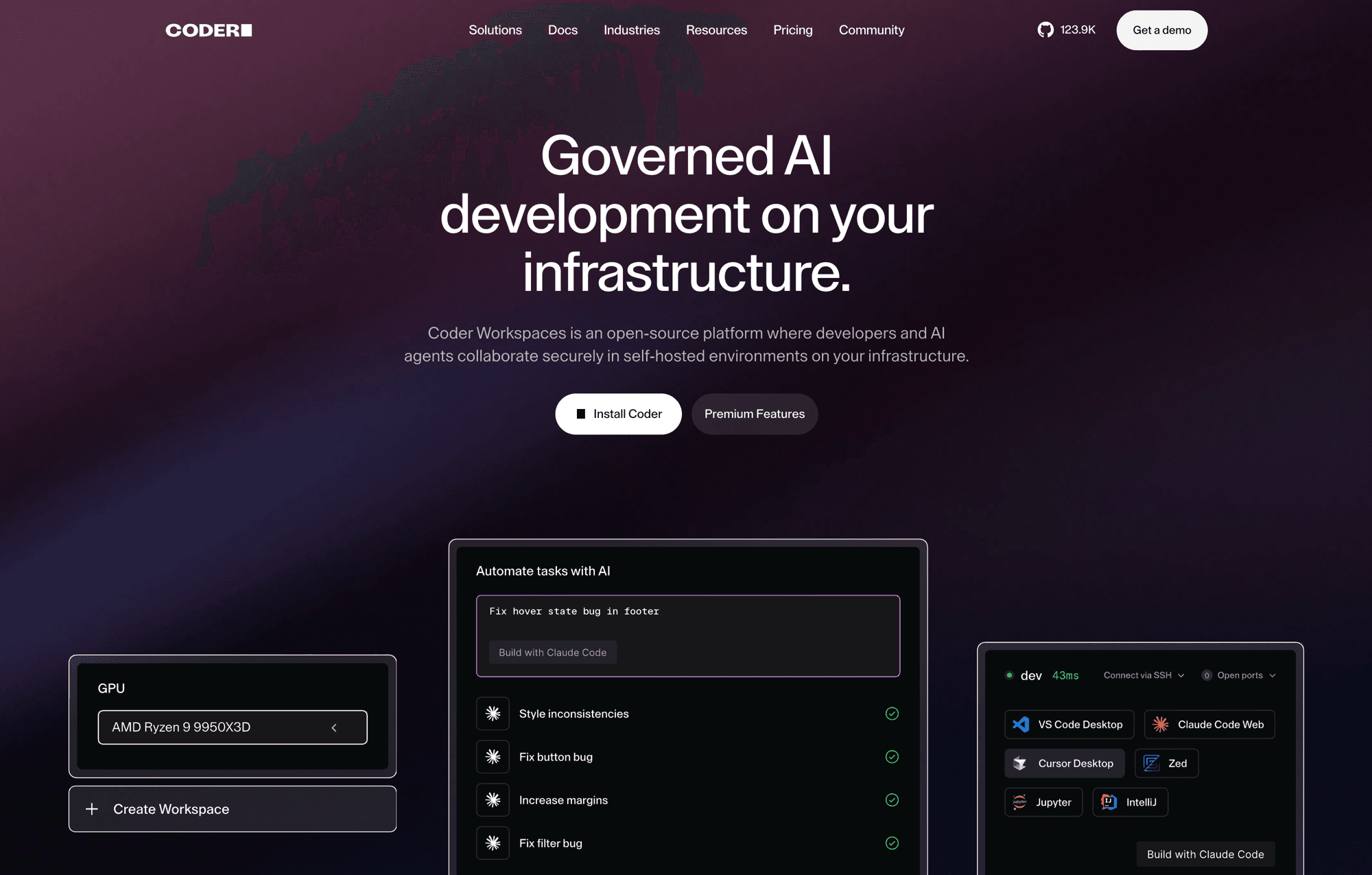
Coder: remote development environments with devcontainers for the whole team
Everyone's laptop is the last unversioned part of the whole process. You version the code, the infrastructure, the deployments, and even the container runtime environment; and then the environment where that code is written is a different machine per person, with its own Node version, its scattered credentials, and its own “works on my machine”.
Coder tackles exactly that: development environments stop living on laptops and become resources that are declared, deployed, and shut down like any other. We ran it on our own infrastructure for a few months.
What it does, specifically
Before getting into our case, it's worth breaking it down, because “remote development environments” falls short and half of what's interesting is in the details.
| Capability | What it means in practice |
|---|---|
| Templates as code | The environment is declared in Terraform: which image, how much CPU and memory, which volumes persist. The administrator decides the shape; nobody improvises their own |
| Your choice of substrate | Workspaces can be Kubernetes pods, Docker containers, or virtual machines, depending on where you have capacity |
| Your usual editor | It connects from local VS Code or JetBrains, over SSH, or from the browser. It doesn't force you to change tools |
| Per-subdomain applications | Whatever you run inside —a website, an API, a dashboard— gets its own address, with no hand-made tunnels |
| Lifecycle | On-demand startup and inactivity shutdown, so an idle environment consumes nothing |
| Centralized access | Who gets an environment, with which template and which resources is decided in one place, and revoked in one place |
The short version is that it separates two things that are glued together on a laptop: where the work runs and where it's written from. The former becomes declared infrastructure; the latter stays your machine and your editor.
Our case: devcontainers for several developers
We set it up to centralize several people's development on the same project, and the piece that made it click was the devcontainer. The environment isn't defined by whoever administers the platform: it's defined by the repository itself, in a file that was already there.
That changes who's in charge. The template decides the shape of the resource —how much machine, how much disk, on which network—; the repository decides what's inside. When someone adds a system dependency, they add it where it was always supposed to go, and the next person to open their environment gets it without anyone telling them anything.
What disappears is the wasted first-day morning, and something subtler: the environment stops drifting. On personal machines, two people who started identical end up different within three months. Here it gets rebuilt from the same definition every time.
Access was a network decision, not a password
This is the part of the experiment that interests me most, and the one that carries over to any team considering this. The server wasn't exposed to the internet: it lived on the internal network, behind the proxy, and was reached over the mesh VPN.
"tag:lattner": ["autogroup:admin"]One tag in the VPN access policy, and only the admin group could reach it. Getting into the development environment wasn't a matter of having the address and some credentials: it meant being on the list, at the network layer, before the application even got to ask who you are.
For governance, that's worth more than any permissions panel. It gives a verifiable answer to “who can touch the code in an environment with access to our services”, and the answer doesn't depend on anyone having configured the application correctly.
What I really wanted it for: machines you don't have
The strongest argument isn't uniformity, it's asymmetry. A work laptop can't handle certain things, and in model work that shows up right away: indexing a large corpus, running a local model, processing hours of audio.
With environments on the server, compute power is no longer tied to who has the best laptop. Four people can take turns on one serious machine instead of buying four serious machines, and the heavy work runs where the data and the fast network are, not on the far side of a home connection.
In our case it was left half-done: we never got around to configuring the hardware acceleration part. That's exactly the step where this goes from convenient to decisive, and we didn't cross it.
What I'd do differently
We don't have it deployed today. What I do take away is when it's worth it and when it isn't.
It's worth it with several people on the same project, when the environment is complex to set up, when you need to give an outsider access without handing them a copy of everything, or when the work needs more machine than a laptop has. For a single person with a project that starts with one command, it's infrastructure to maintain in exchange for little.
And a practical warning: it's one more service to operate, with its database, its persistent storage, and its updates. The gain has to be measured against that, not against zero.
Keep reading

Agentic development consulting
Building a homelab from scratch: Kubernetes and GitOps - Homelab (03/06)

IT governance: who gets in, who can deploy, and how you prove it
One deployment per customer or one space per customer
Search and agents over your own documentation