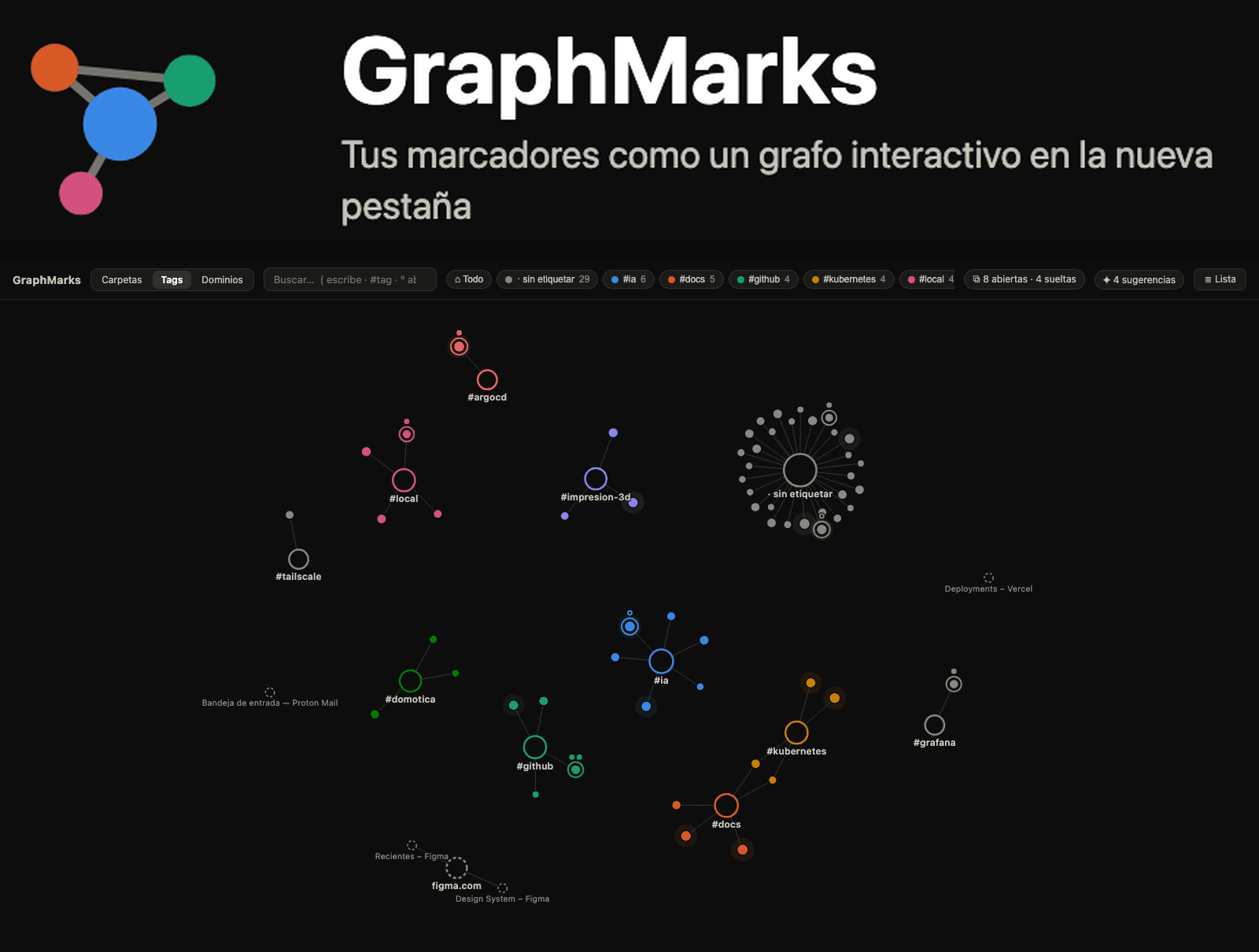
GraphMarks: Chrome bookmarks as a graph
I have hundreds of bookmarks and use none of them. The «Read later» folder has not been opened in years, and inside are links from three jobs ago. The problem is not the quantity: it is that a folder tree forces you to decide, at the moment of saving, the single place where that link will exist. And that decision is almost always made badly, because when you save you do not yet know what you will want it for.
GraphMarks is the experiment that came out of that: a Chrome extension that replaces the new tab with a graph of your bookmarks. The hypothesis is simple, and I do not know yet whether it is true: if a link can be in several places at once, you stop deciding when you save and start finding by proximity.
The constraints, which are half the design
An extension is not a web app with less screen: it is an environment with hard limits that decide for you. Three of them shaped everything else.
- No server. Someone's bookmarks are a map of their life: where they shop, what they read, who they work with. Uploading that to an API of mine turns a toy into a liability. Everything stays in the browser.
- The sync quota. If you want tags to travel between machines without your own infrastructure, the place is Chrome's synced storage. And that storage has small numbers: 100 KB in total, 8 KB per item, 512 items, and 1,800 writes per hour.
- A new tab opens a hundred times a day. If it is slow to paint, you uninstall it within a week. That ruled out bringing in a framework: it is 34 TypeScript files, about 4,000 lines, a 2D canvas, and the d3 modules needed for the force simulation.
Two ways of saving, because they are written differently
Here is the decision that taught me the most in this project, and it has nothing to do with graphs. There are two things to store —tags and tab sessions— and instinct says to treat them the same. They are written in opposite ways.
Tagging is a small, very frequent gesture: one tag here, another there, dozens of times in an afternoon. If each one rewrites the entire tag map, two things break at once: the item grows past the 8 KB limit, and the drip of writes exhausts the hourly quota. The way out is to shard by hash.
/**
 * Bucket de chrome.storage.sync para una URL. El límite es de 8 KB por item,
 * así que las etiquetas se reparten por hash entre TAG_BUCKETS claves.
 */
export function tagBucket(url: string): string {
  return `tags_${strHash(url) % TAG_BUCKETS}`
}
Twelve buckets. Tagging a URL rewrites only the bucket it lands in, so the item stays small and each gesture costs one write instead of dragging everything else along.
Sessions are the opposite: they are saved once in a while, can be quite large, and are never touched partially. Sophistication does not pay off there, so the full JSON is split into chunks that fit and reassembled on read. The same quota, two different answers, because what changes is not the size of the data but how it is written.
And both write to the local mirror first. If the quota fails, the data survives on the machine and the warning shows on screen instead of getting lost in the console. The graph's position anchors, on the other hand, are deliberately not synced: they depend on screen size, and pulling in another machine's anchors messes up the map instead of preserving it.
Degrading in a chain instead of demanding permissions
An extension is installed through a permission dialog that scares people. The more you ask for up front, the fewer make it to the other side. So no capability is mandatory: synced storage falls back to local, and local to in-browser memory; without the tab-groups permission, grouping still works, just without its metadata; and outside the extension, in the preview view, the graph is rendered with sample data. The groups permission, on top of that, is requested on demand when you use it, not at install time.
What Chrome will not let you do
Saving a work session should include split views. It cannot: the split identifier is read-only and there is no way to recreate it from an extension. It is reported in the extension standards repository and still open. The decision was to save the data anyway and, on restore, leave the pair selected; the code checks whether the currently missing API exists, so the day it arrives it will work without touching anything.
The other stumble was sillier and costlier: ES modules do not load under the file protocol, so the standalone preview would not start. That is why the packaging produces self-executing functions instead of modules.
What gets tested and what does not
Fourteen tests, in three files, all targeting the same folder: the pure functions. The bucket sharding is tested, tag normalization, the chunking that guarantees no fragment exceeds 8 KB. The canvas rendering and the browser APIs are not tested —someone already tests those. The rule I follow is that a test is worth as much as the question it answers, and «is the circle drawn?» is not an interesting question.
What I do not know yet
- Whether the hypothesis holds over time. I use it, and after two weeks I am finding things I could not find before. That is not a measurement: it is the bias of the person who wrote it. The real test is whether someone who did not build it is still using it after a month.
- How much the graph can take. With a few hundred bookmarks it runs smoothly. I have not measured where the force simulation starts to drag, and I should know that number before recommending it to anyone with thousands.
- It is not published. Version 0.4.0, with the package ready for the store and the listing translated into two languages, but not uploaded. It is a lab, not a product: if you try it, do so knowing that. The code is in the public repository.
What I am taking to my real work
Two things, and neither is about bookmarks. The first is that the way you save is dictated by the write pattern, not the size of the data: the same store calls for two different designs depending on whether you write often and little each time, or rarely and a lot at once. That question —how is this written, not how big is it?— is the one I now ask of any system with a quota in front of it, and the one that decides between a queue with headroom and one that jams in production.
The second is that degrading in a chain is cheaper than demanding. Every optional permission and every local fallback is one more line of code and one fewer user lost at the install dialog. In an extension you see it in the first minute; in an enterprise platform it takes months to show, but the math is identical.
Chrome new tab that shows your bookmarks as an interactive graph.
TypeScriptMore from the lab
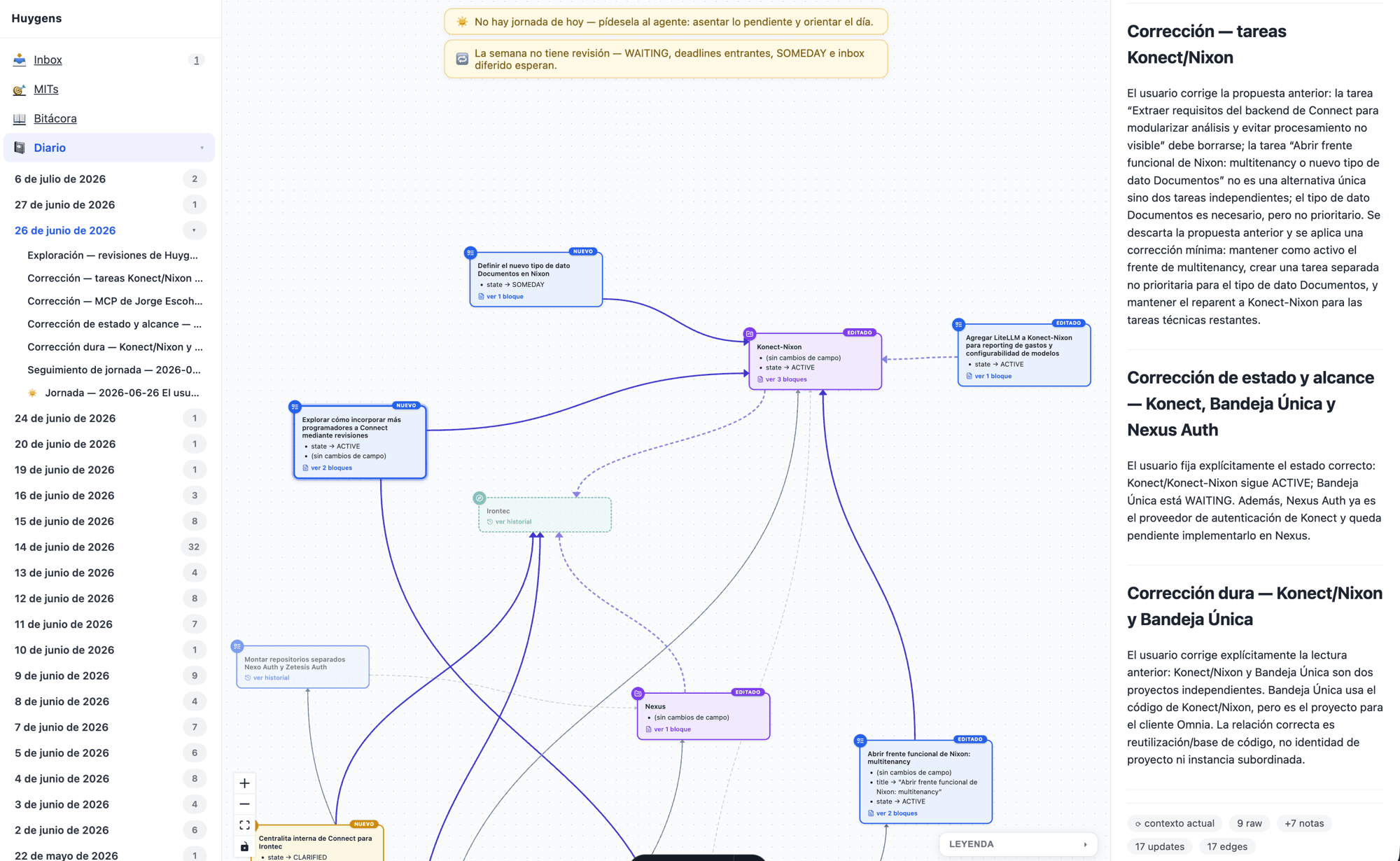
Huygens: a SurrealDB graph as memory for agents
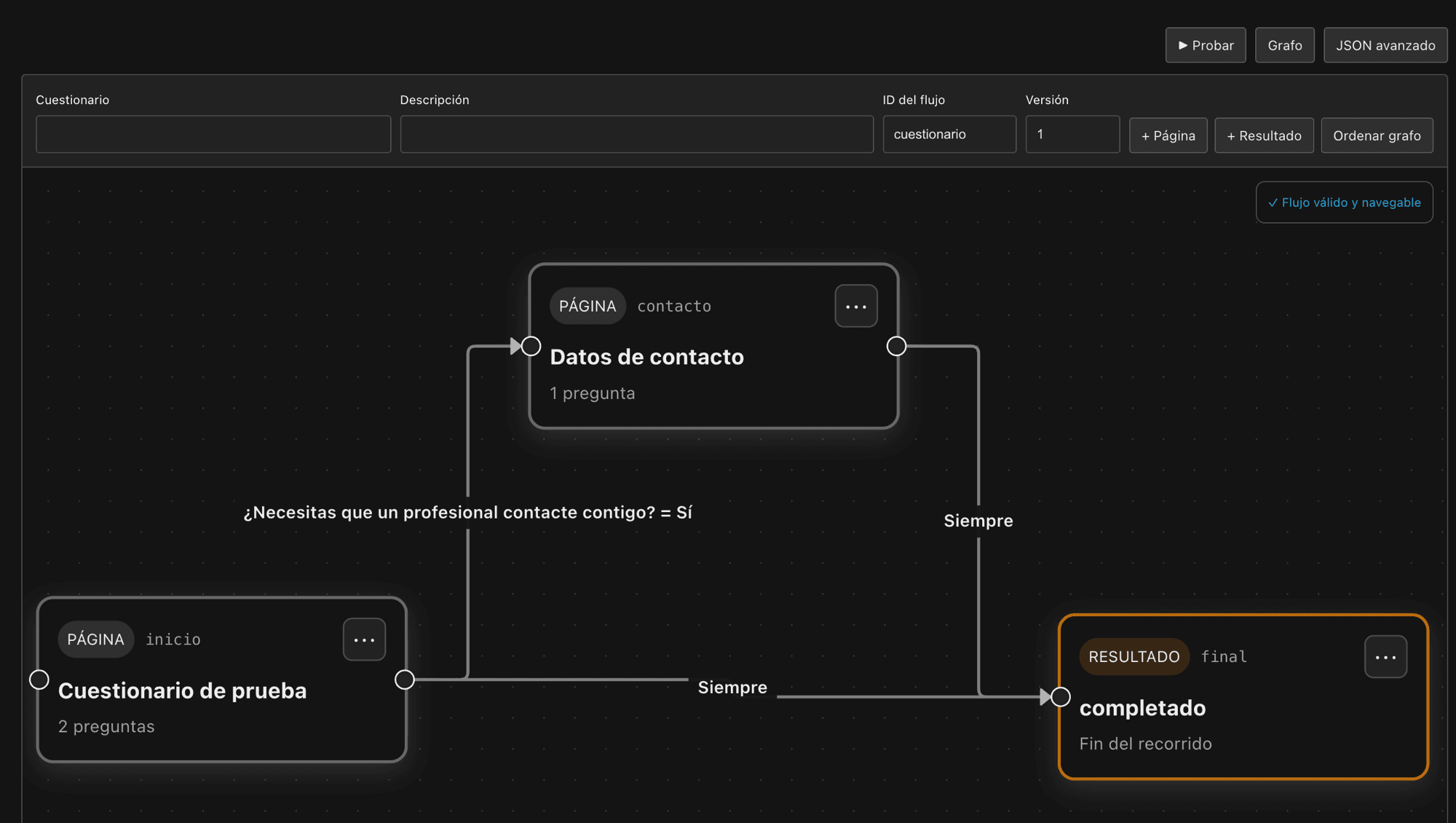
Flowgraph: a flow engine built spec-driven

A simulator for Bizkaia's foral income tax

Coder: remote development environments with devcontainers for the whole team

Postiz: scheduling social media posts from your own server